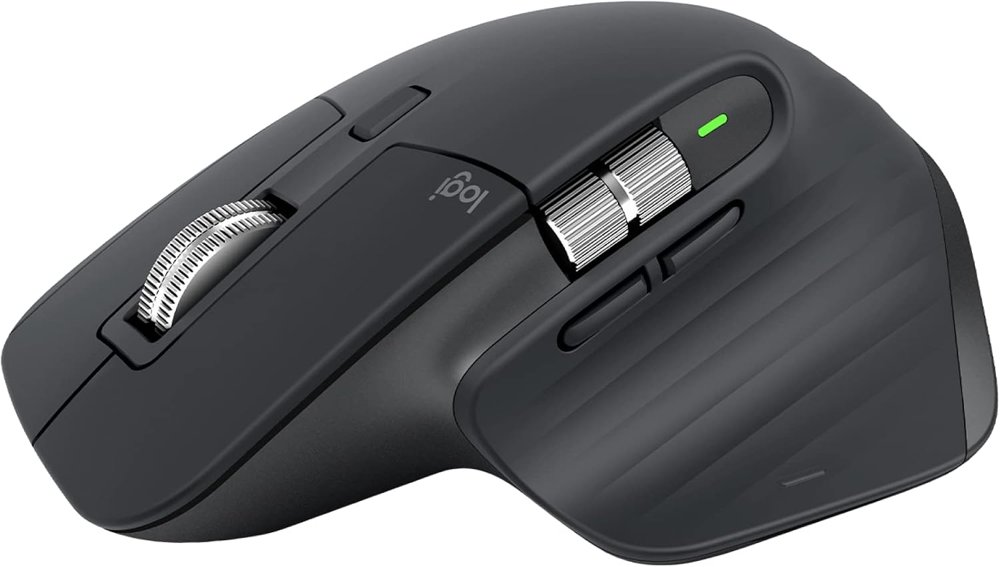
Logitech MX Master 3S $$$
The desk mouse for long workdays
Check price on AmazonWe may earn a commission from qualifying purchases.
Keyboards, mice, and the mic.
Holiday gift guide: Gifts for tech lovers →
Chosen from the Top 10 below. Budget tiers: $ budget · $$ mid-range · $$$ premium.
The desk mouse for long workdays
Check price on Amazon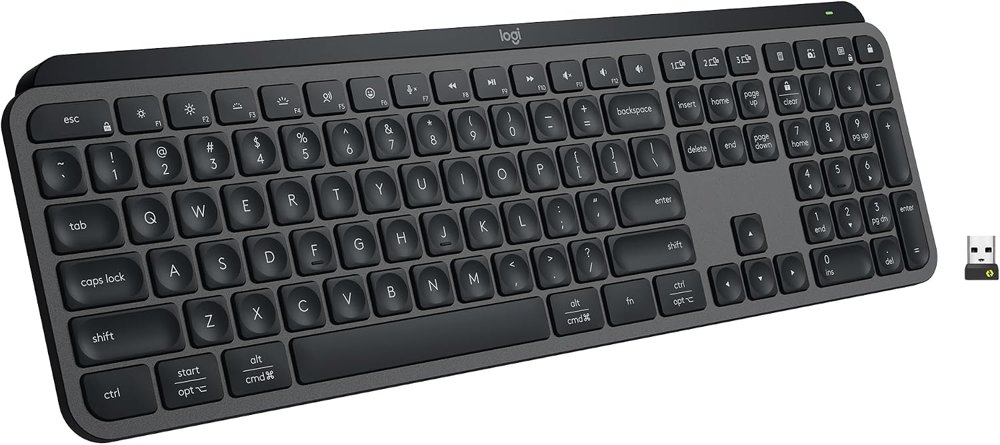
Low-profile backlit keyboard for three devices
Check price on Amazon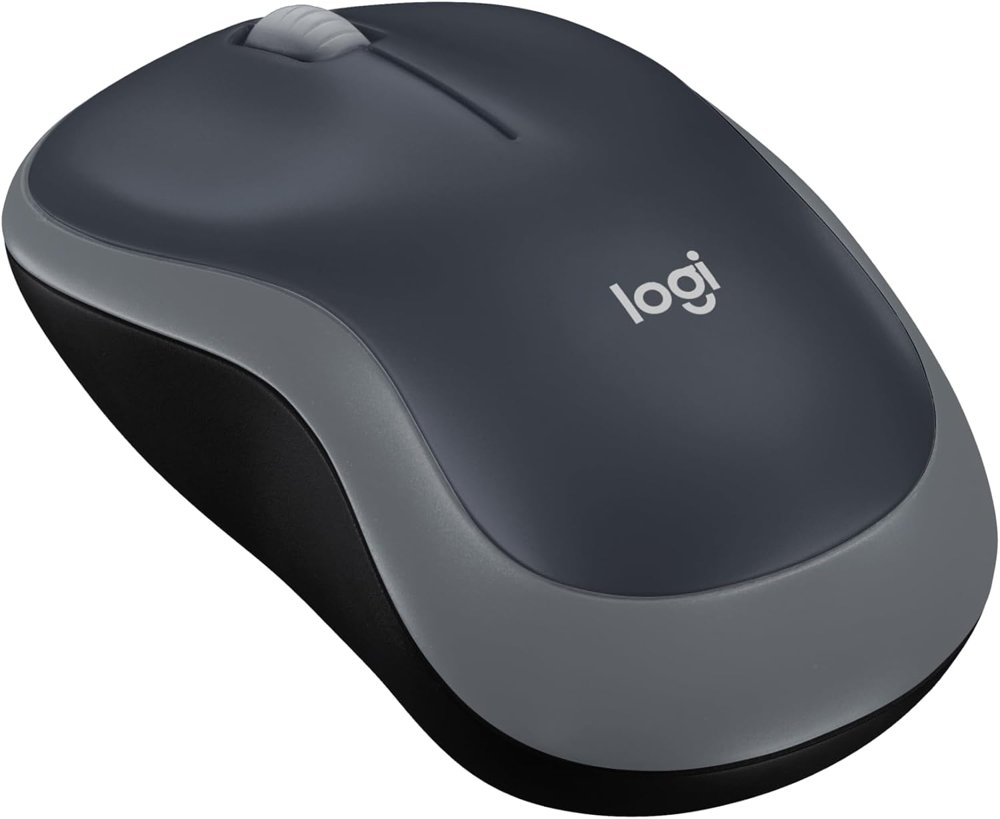
Small, dependable wireless mouse
Check price on AmazonThe desk mouse for long workdays
The Logitech MX Master 3S is our Best Overall pick for desk input. It's a wireless performance mouse with a contoured shape for long sessions, precise tracking and a Bolt receiver. Logitech lists an average battery life of 18 months.
Who it's for: Anyone who spends the workday at a desk and wants one great mouse.
Check price on AmazonLow-profile backlit keyboard for three devices
The Logitech MX Keys S is our Premium pick for desk input. It's a low-profile wireless keyboard with dished keys, backlighting that turns on as your hands approach, and Smart Actions shortcuts in Logi Options+. It pairs with up to three devices on Windows, macOS and Linux.
Who it's for: Office workers who switch between a laptop, desktop and tablet.
Check price on AmazonSmall, dependable wireless mouse
The Logitech M185 is our Value pick for desk input. It's a compact ambidextrous wireless mouse with a nano USB receiver, line-by-line scroll wheel and sleep mode. Logitech lists up to a year of battery life and a range of about 33 feet.
Who it's for: Laptop users who want a cheap mouse that just works.
Check price on Amazon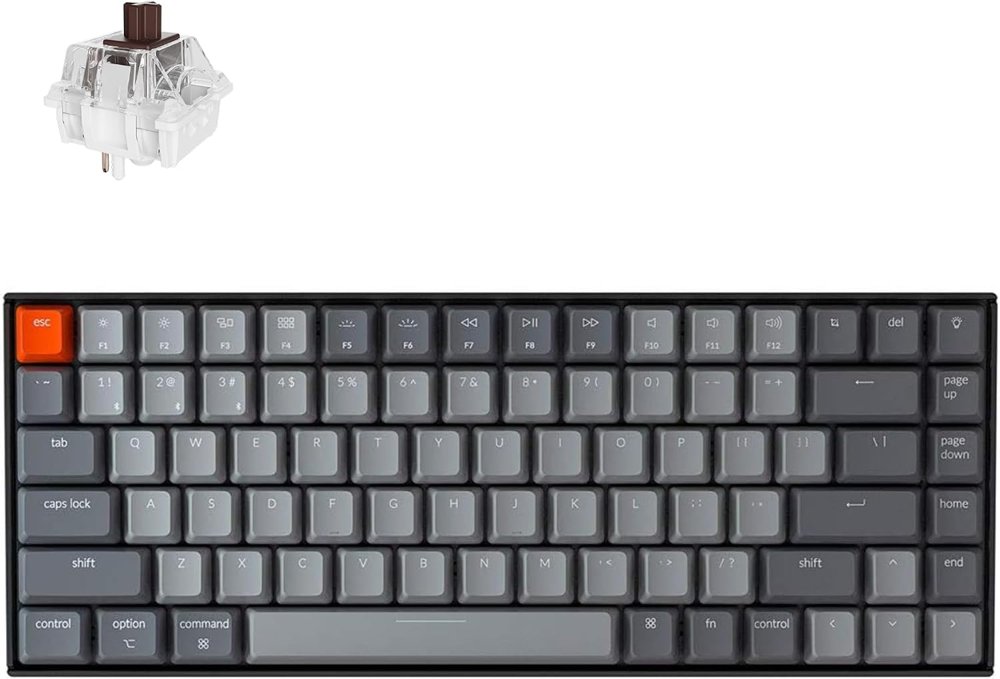
Compact 75% mechanical keyboard for Mac and Windows
The Keychron K2 is a 75% (84-key) Bluetooth mechanical keyboard that keeps arrow and function keys. It pairs with up to three devices, has Mac and Windows keycaps, and Keychron lists up to 72 hours of typing from a 4,000mAh battery.
Who it's for: Typists who want a mechanical keyboard in a small footprint.
Check price on AmazonErgonomic wave-shaped keyboard with a palm rest
The Logitech Wave Keys is a compact ergonomic keyboard with a wave-shaped layout and a memory-foam palm rest, meant to keep hands, wrists and forearms in a more natural position. It connects over Bluetooth or the Logi Bolt receiver, switches between three devices, and Logitech lists up to 3 years of battery life.
Who it's for: Office workers who want a more comfortable keyboard without a split design.
Check price on Amazon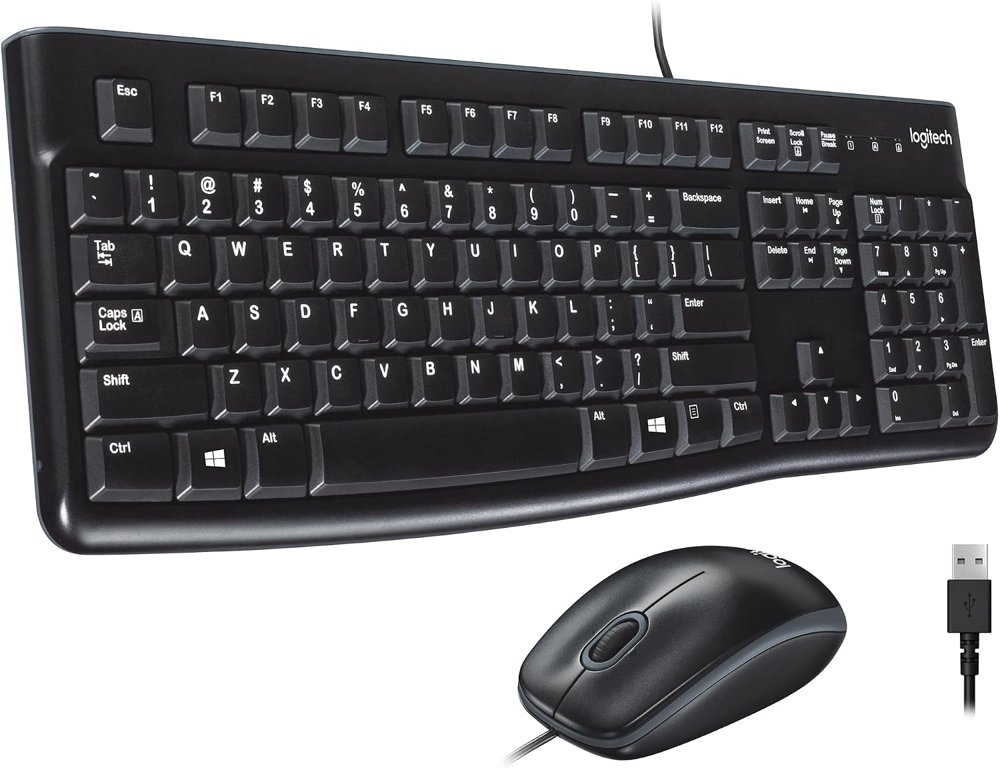
Wired full-size keyboard and mouse combo
The Logitech MK120 is a wired full-size keyboard and mouse combo with a spill-resistant design, number pad and an optical mouse. Logitech rates the keys for 10 million keystrokes.
Who it's for: Home offices and shared PCs that need a cheap, reliable set.
Check price on Amazon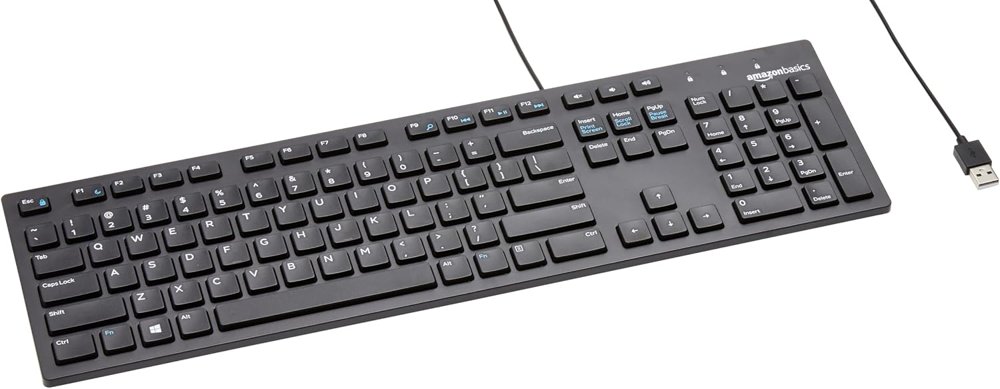
Plain full-size USB keyboard
The Amazon Basics Wired Keyboard is a full-size USB keyboard with media hot keys for mute, volume and calculator. It's plug-and-play on Windows.
Who it's for: Anyone who needs a basic replacement keyboard.
Check price on Amazon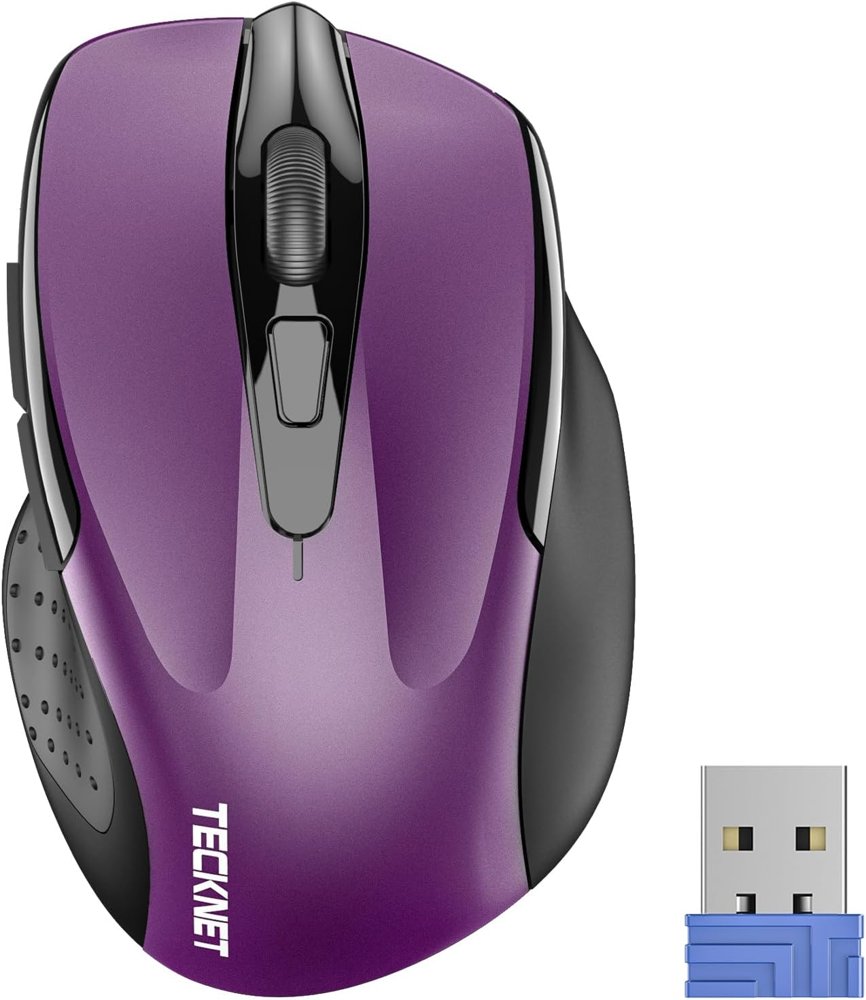
Compact mouse with adjustable DPI
The TECKNET wireless mouse is a compact 2.4GHz mouse with five DPI steps up to 2600 and an on/off switch. TECKNET lists up to 24 months of battery life and about 49 feet of range.
Who it's for: Students and travelers who want a cheap, adjustable mouse.
Check price on Amazon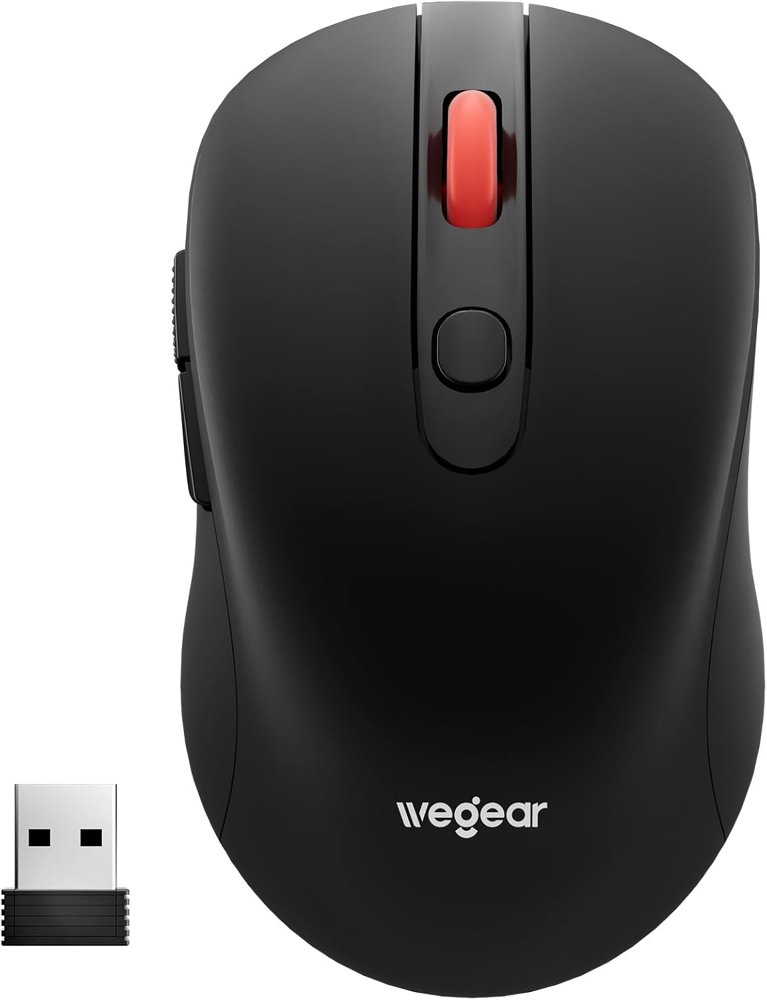
Six-button budget mouse with back and forward keys
The wegear wireless mouse is a 2.4GHz mouse with six buttons, including back and forward, and five DPI steps up to 4000. It runs on one AA battery, which isn't included, and wegear lists up to 24 months per battery.
Who it's for: Budget buyers who want side buttons for browsing.
Check price on Amazon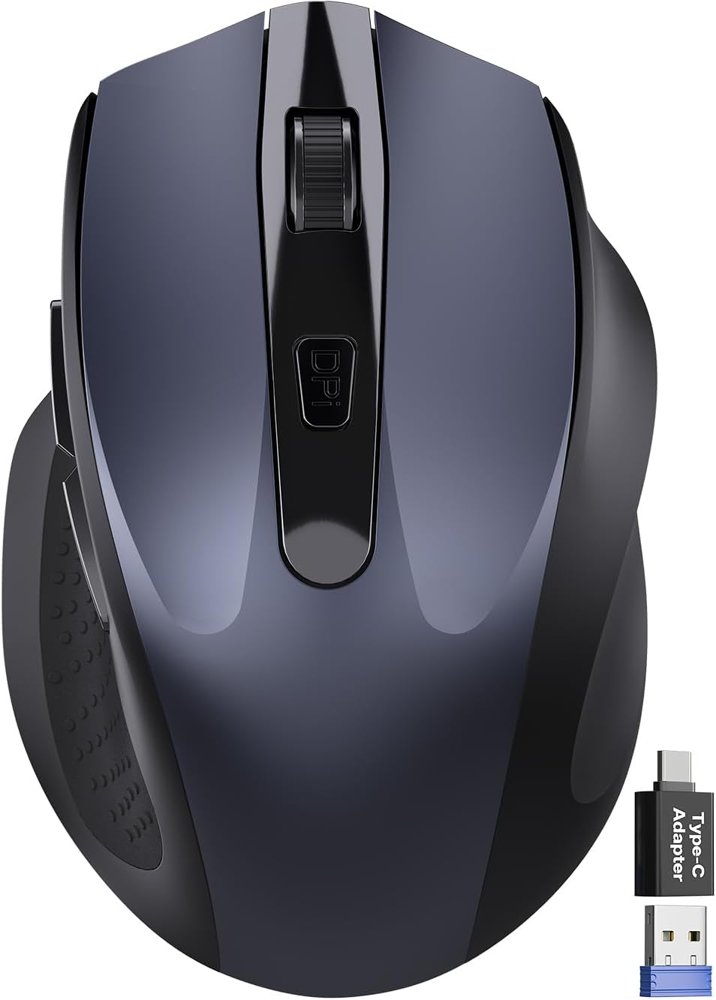
Quiet-click mouse for small and medium hands
The Sablute wireless mouse is a compact right-handed mouse with quiet clicks, a thumb rest, and three DPI steps. It includes a USB-A receiver and a USB-C adapter.
Who it's for: Library, office or late-night use where clicks need to be quiet.
Check price on Amazon