Guides · 6 min read · 2026-10-04
Best Webcams for Work Calls
The standard Logitech C920, two 4K upgrades, a meeting-certified business model, and two budget 1080p cameras that beat a laptop's built-in camera.
Quick picks
- Best for most peopleLogitech C920
The standard 1080p call camera.
- Best premium 4KLogitech MX Brio Ultra HD 4K Webcam Collaboration and Streaming
Logitech's Ultra HD 4K camera for collaboration and streaming.
- Best value 4KEMEET S600 4K Webcam for Streaming
4K with a Sony sensor and PDAF autofocus for far less.
- Best for company laptopsLogitech C920e HD 1080p Mic Enabled Webcam Certified Zoom
Business 1080p model, certified for Zoom and Microsoft Teams.
- Best budget LogitechLogitech Brio 100
Full HD 1080p from Logitech at an entry price.
- Cheapest solid pickEMEET C960 1080P Webcam with Microphone
1080p, two mics, and a 90° field of view.
Logitech C920
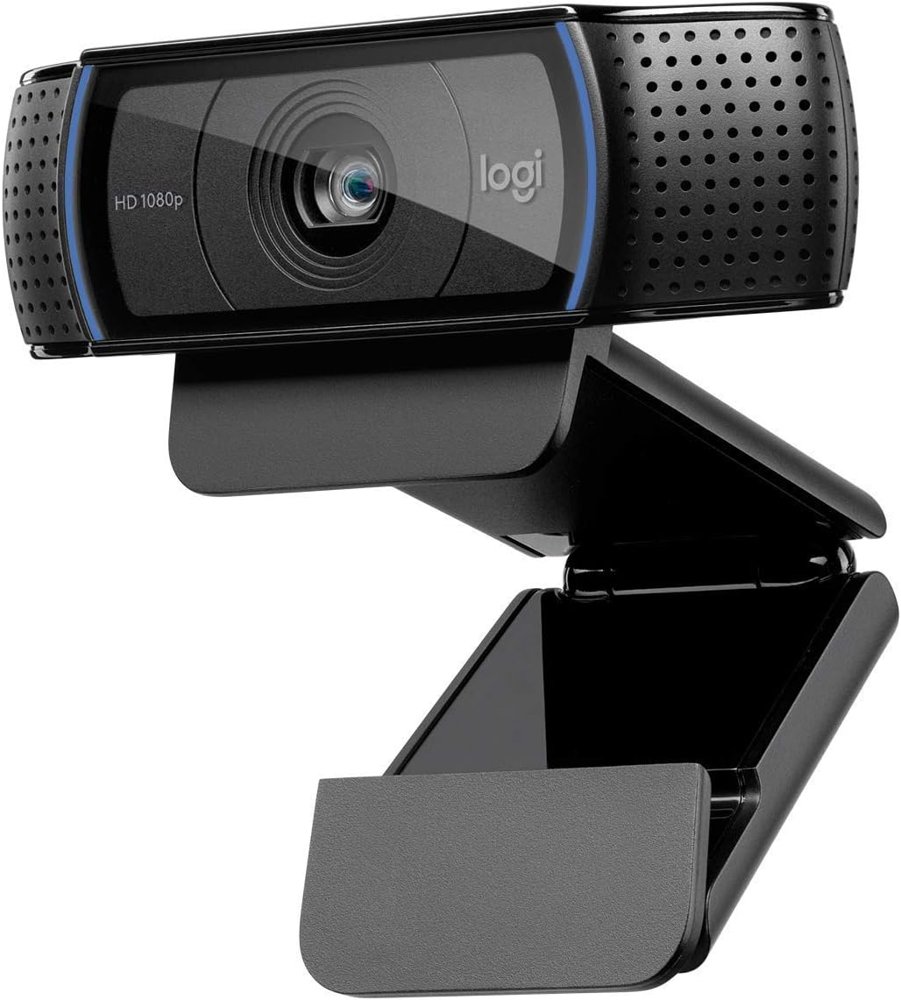
The Logitech C920 is the standard 1080p call camera for a reason: it's widescreen, it works on a desktop or laptop, and almost every meeting app supports it. If you just want to look better than your laptop's built-in camera, buy this and stop shopping.
Pros
- 1080p widescreen video
- Fits on a desktop monitor or a laptop
- The safe, widely supported choice
Cons
- Not 4K
- Newer cameras compete on low price
Best for: Anyone upgrading from a built-in laptop camera.
Check price on AmazonLogitech MX Brio Ultra HD 4K Webcam Collaboration and Streaming
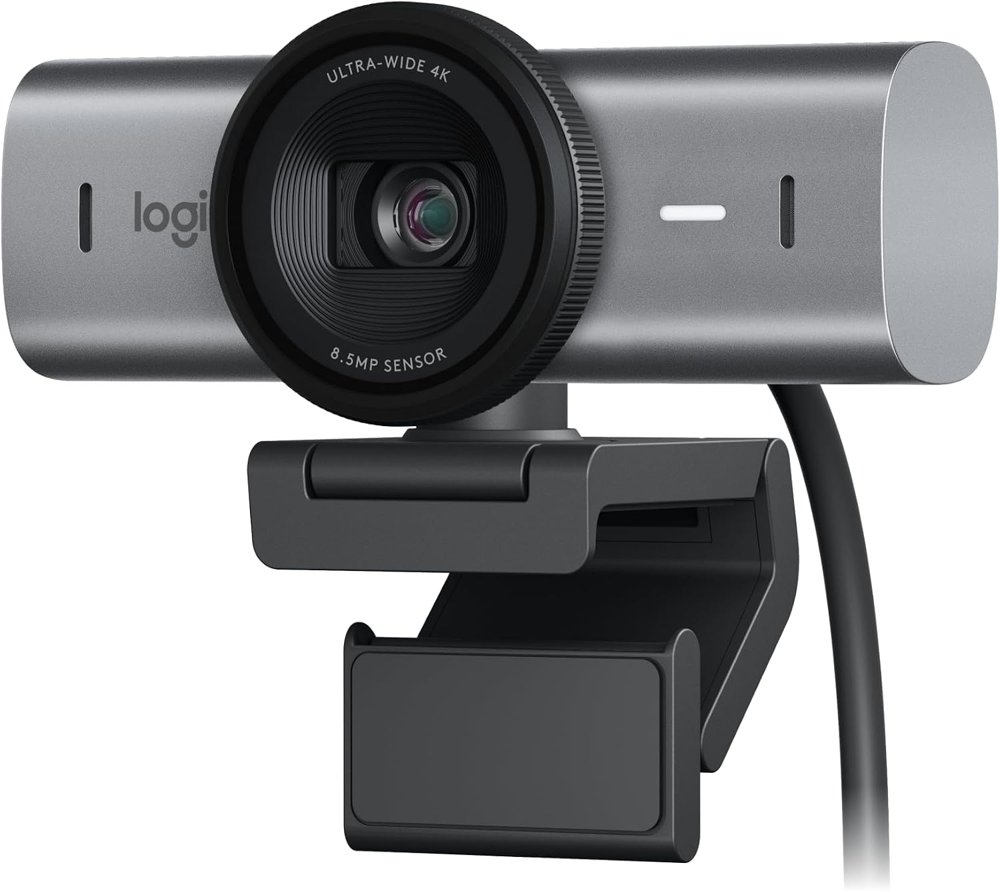
The Logitech MX Brio is the premium upgrade: Ultra HD 4K, aimed at collaboration and streaming. It makes sense if you are on camera all day, present often, or stream. For a few calls a week, it's more camera than you need.
Pros
- Ultra HD 4K
- Logitech's premium collaboration and streaming model
Cons
- The most expensive pick here
- Most call apps don't send 4K, so the upgrade shows most in recordings and streams
Best for: People on camera all day, presenters, and streamers.
Check price on AmazonEMEET S600 4K Webcam for Streaming
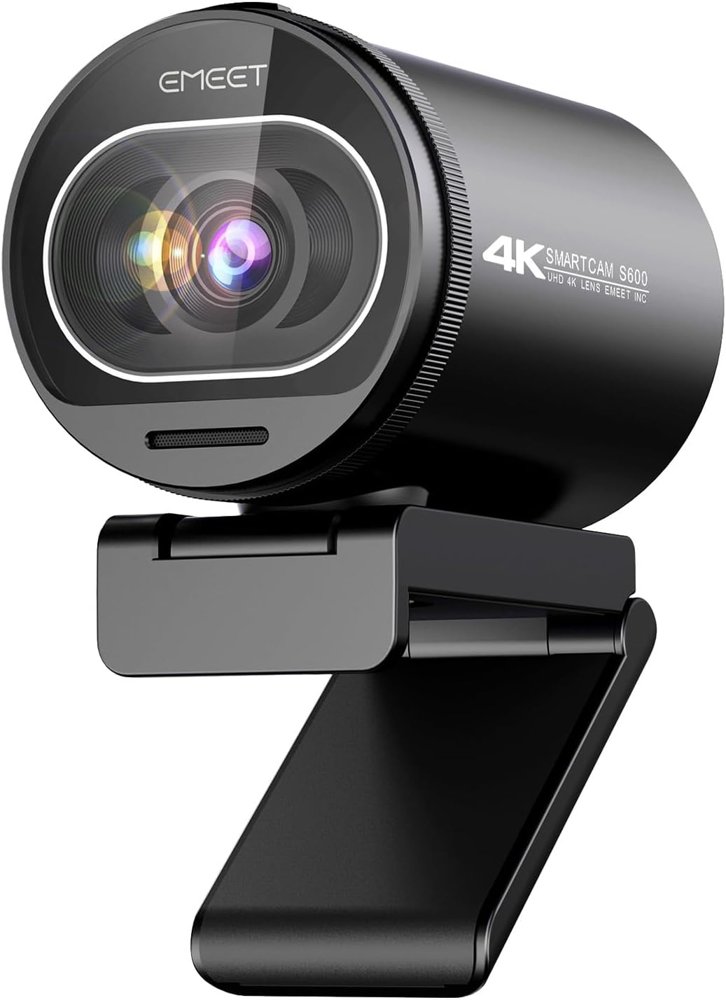
The EMEET S600 brings 4K, a Sony 1/2.55-inch sensor, and PDAF autofocus to a much lower price than the MX Brio. It's the pick if you want a 4K step up without paying premium-brand money.
Pros
- 4K with a Sony 1/2.55" sensor
- PDAF autofocus
- Far cheaper than the premium 4K pick
Cons
- Less established brand than Logitech
Best for: Streamers and creators on a budget.
Check price on AmazonLogitech C920e HD 1080p Mic Enabled Webcam Certified Zoom
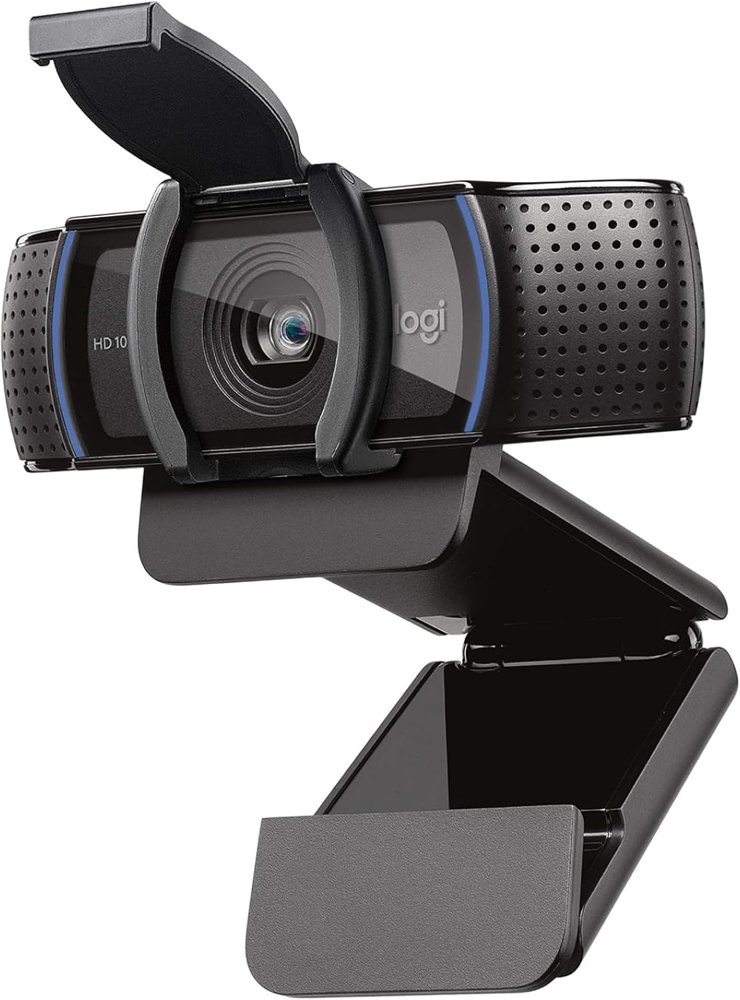
The Logitech C920e is the business version of the C920: 1080p with a mic, certified for Zoom and Microsoft Teams. If IT is buying cameras for a team, or your company sticks to certified hardware, this is the one to get.
Pros
- Certified for Zoom and Microsoft Teams
- 1080p with built-in mic
- Familiar C920 design
Cons
- Video is similar to the consumer C920; the certification is the reason to choose it
Best for: Company-issued setups and IT purchases.
Check price on AmazonLogitech Brio 100
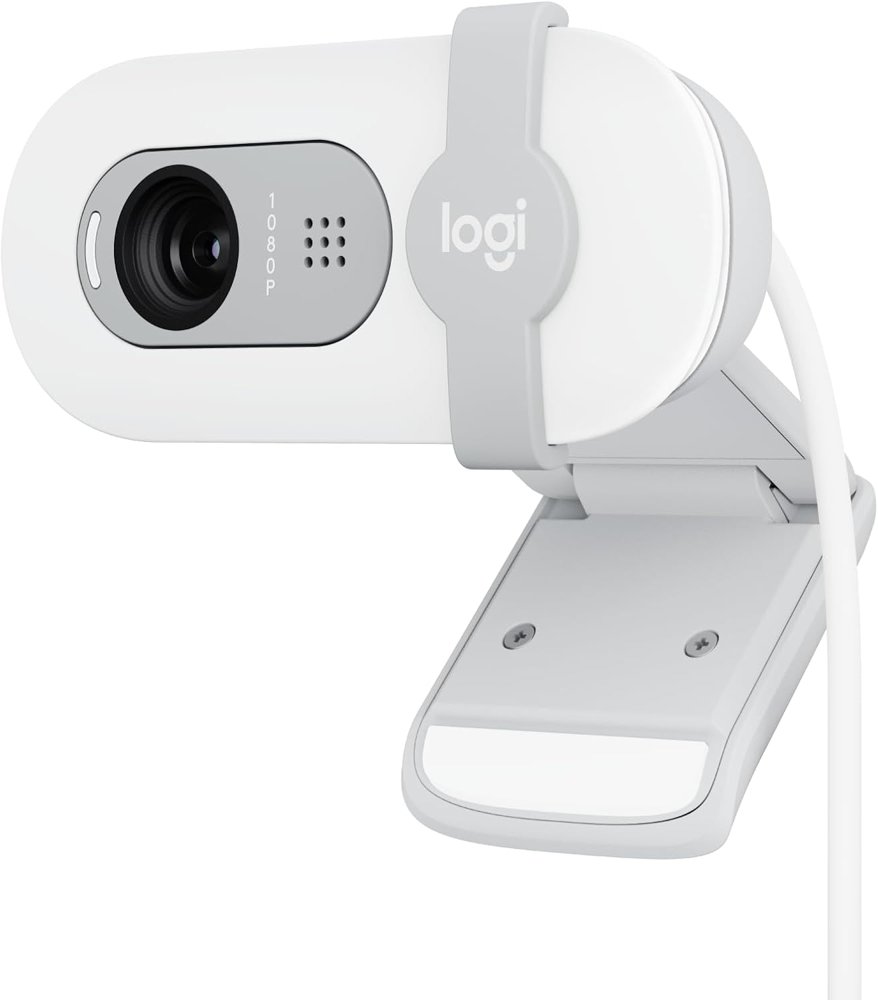
The Logitech Brio 100 is the entry-level Logitech: Full HD 1080p for meetings and streaming at a budget price. It's a simple, low-cost upgrade over a built-in laptop camera.
Pros
- Full HD 1080p
- Logitech brand at a budget price
Cons
- Entry-level; the C920 is the safer step up
Best for: Students and occasional callers.
Check price on AmazonEMEET C960 1080P Webcam with Microphone
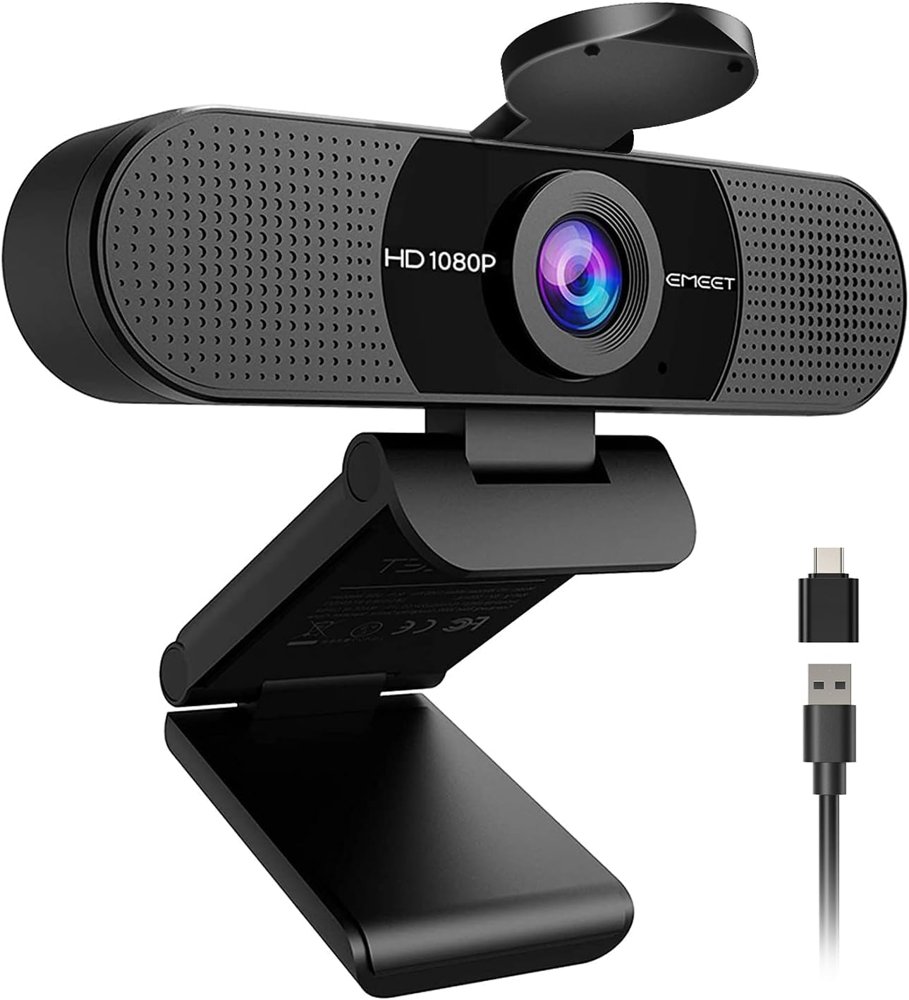
The EMEET C960 is the cheapest camera here worth buying: 1080p, two built-in mics, and a 90° field of view that fits more of the room. It's good for a second desk or a kid's laptop.
Pros
- Lowest price in this guide
- Two built-in mics
- 90° field of view
Cons
- Budget build and image quality compared with the Logitech picks
Best for: Second desks, kids' setups, and tight budgets.
Check price on AmazonHow to choose
- 1080p is enough for calls
- Most meeting apps don't send full 4K video. A good 1080p camera like the C920 is the right buy for calls; 4K pays off mostly in recordings and streams.
- Light matters more than the camera
- A window in front of you or a desk light behind your screen improves any webcam more than an upgrade does.
- Mic or headset
- Built-in webcam mics are fine for quick calls. For daily meetings, a headset or desk mic usually sounds better.
- Certified hardware
- Some companies require Zoom- or Teams-certified cameras. The C920e is the certified pick here.
Our shortlist
Most people should get the Logitech C920. If you are on camera all day or stream, the MX Brio is the premium 4K choice and the EMEET S600 is the value 4K. Company setups should use the certified C920e. On a tight budget, the Logitech Brio 100 and EMEET C960 are both big steps up from a built-in laptop camera.
Frequently asked questions
Do I need a 4K webcam for Zoom or Teams?
Usually not. Most calls don't stream in 4K, so a good 1080p camera like the C920 looks just as good on a call. 4K helps with recordings and streaming.
What's the difference between the C920 and C920e?
Both are 1080p Logitech cameras. The C920e is the business model, certified for Zoom and Microsoft Teams, which matters if your company requires certified hardware.