Guides · 5 min read · 2026-11-23
Best Monitors for a Home Office
Five monitors from the TechWorth Top 10 for work and home: a smooth 24-inch Dell, a 4K Dell for sharp text, a QHD Dell with more screen space, a budget Philips and a 27-inch Samsung IPS.
Quick picks
- Best overallDell 24 SE2426H
A 23.8-inch 1080p IPS panel at 144Hz with low blue light.
- Best for sharp textDell 27 S2725QS 4K
A 27-inch 4K IPS panel at up to 120Hz.
- Best for screen spaceDell 27 Plus S2725DSM
A 27-inch QHD panel at 144Hz with dual speakers.
- Best on a budgetPhilips 24 241V8LB
A 23.8-inch 1080p VA panel at 100Hz with VESA mounting.
- Best bigger budget screenSamsung 27 S30GD Essential
A 27-inch IPS monitor at 100Hz with an eye-saver mode.
Dell 24 SE2426H
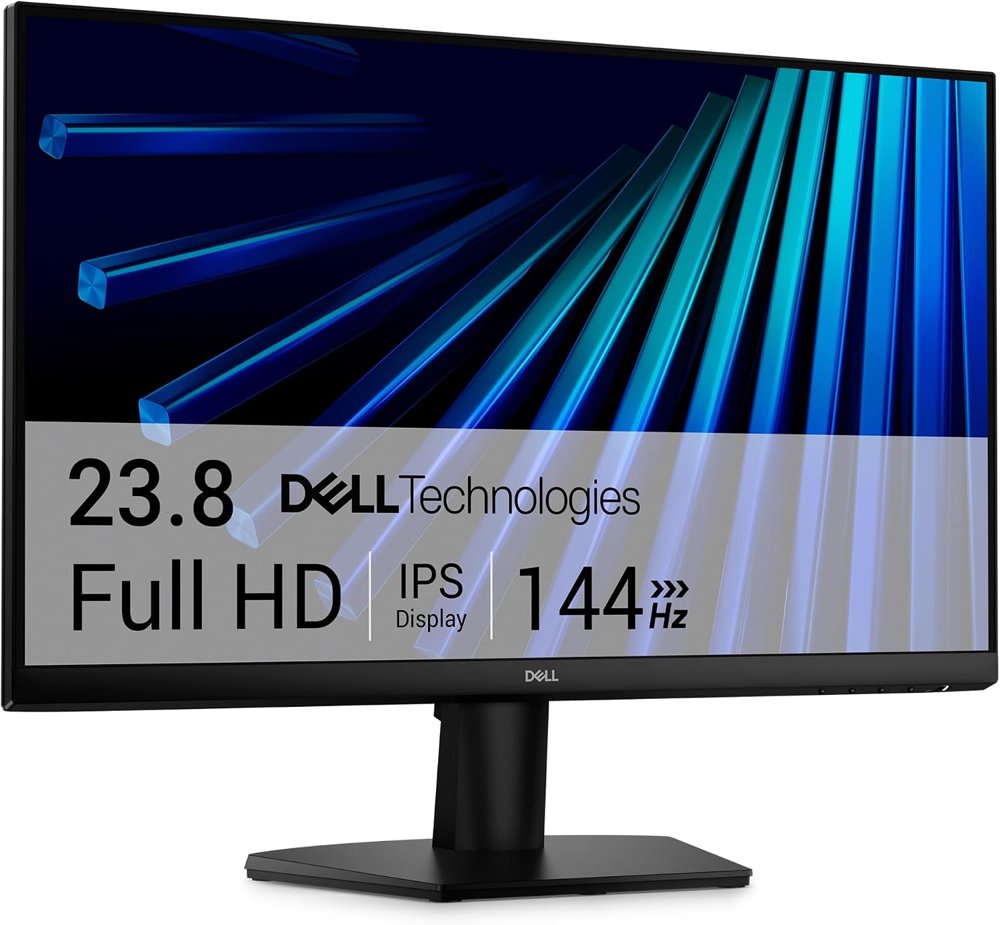
The Dell 24 SE2426H is the monitor to start with. It is a 23.8-inch 1080p IPS panel with a 144Hz refresh rate, 1ms MPRT response and AMD FreeSync, per the listing, and it is rated TÜV Rheinland 3-star for eye comfort with low blue light.
Pros
- Smooth 144Hz refresh, per the listing
- IPS color and 178° viewing angles
- Low blue light for long days
Cons
- 1080p only
- Basic stand
Best for: Most people who want a second screen that is smooth for work and casual games.
Check price on AmazonDell 27 S2725QS 4K
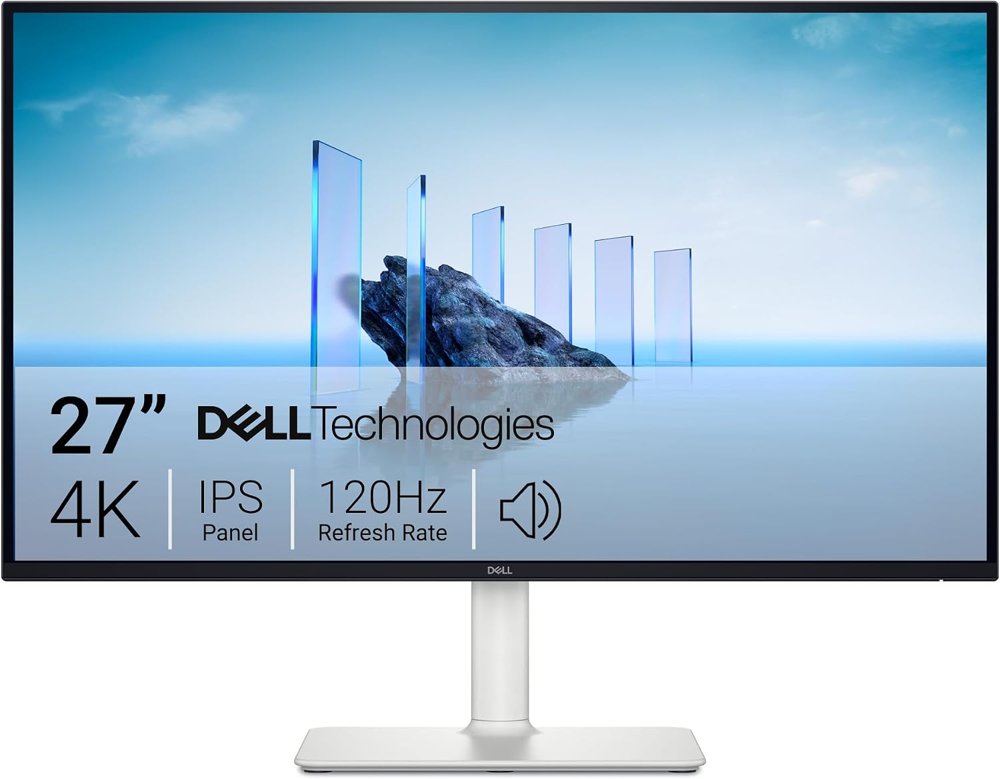
The Dell 27 S2725QS is the pick for sharp text on a bigger screen. It is a 27-inch 4K IPS panel at up to 120Hz with FreeSync Premium and 99% sRGB, per the listing, and Dell lists ComfortView Plus low blue light and upgraded built-in speakers.
Pros
- 4K on a 27-inch IPS panel
- Up to 120Hz, per the listing
- 99% sRGB color, per the listing
- Built-in speakers
Cons
- The priciest monitor in this guide
- 4K needs a capable computer
Best for: Creators and anyone who wants sharp text on a bigger screen.
Check price on AmazonDell 27 Plus S2725DSM
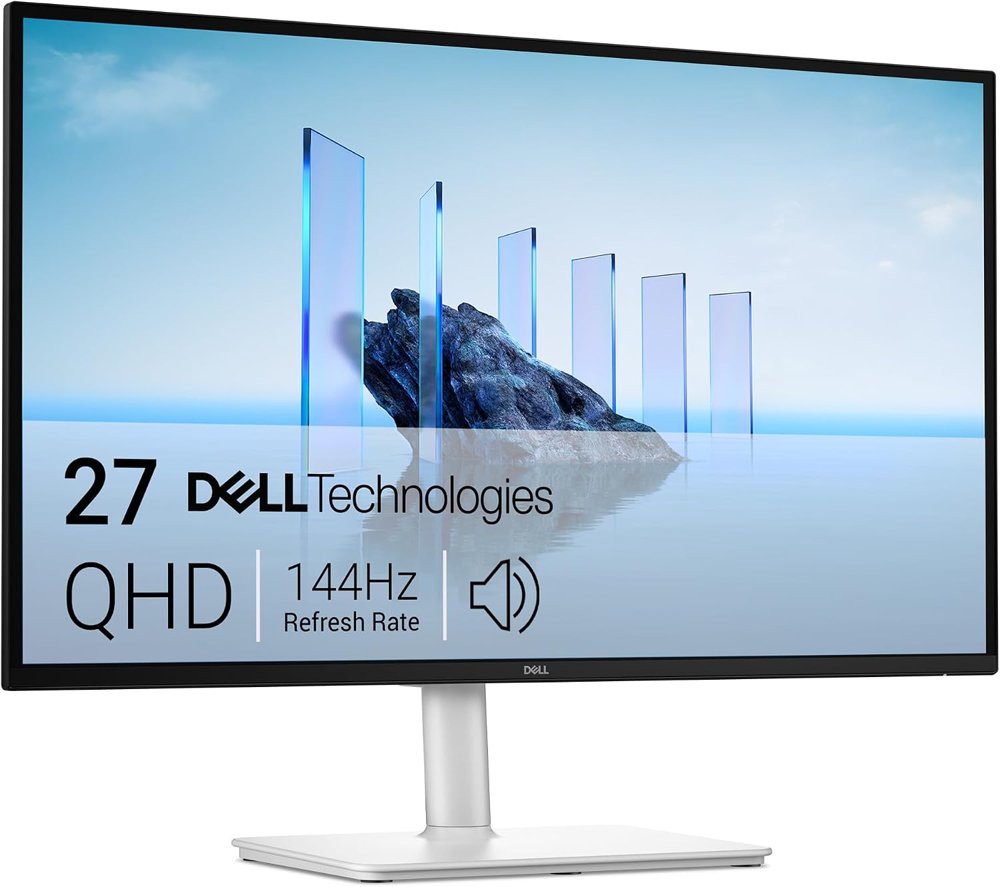
The Dell 27 Plus S2725DSM sits between 1080p and 4K. It is a 27-inch QHD (2560x1440) panel at 144Hz with 1ms response and a 1500:1 contrast ratio, per the listing, with dual 3W speakers, HDMI and DisplayPort 1.4, and a TÜV 4-star eye comfort rating.
Pros
- QHD resolution on 27 inches
- 144Hz refresh, per the listing
- Dual built-in speakers
Cons
- Pricier than 1080p options
- Speakers are basic
Best for: Anyone who wants more screen space without paying for 4K.
Check price on AmazonPhilips 24 241V8LB
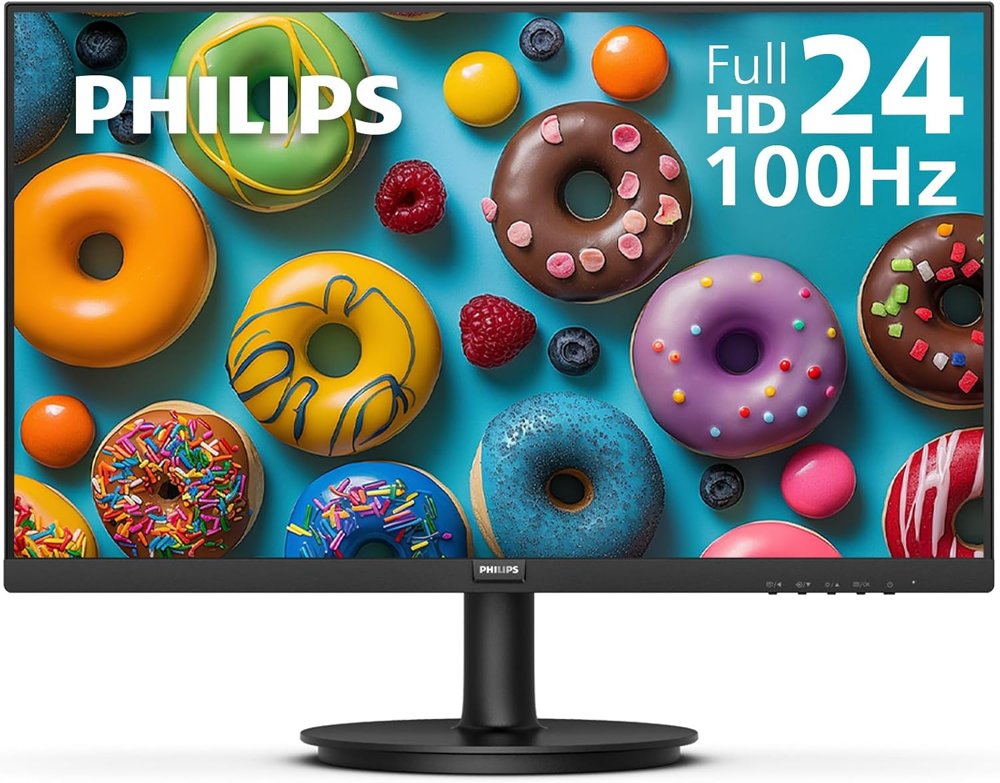
The Philips 241V8LB is the budget pick. It is a 23.8-inch 1080p VA panel at 100Hz, per the listing, with strong contrast, flicker-free backlighting, 178° viewing angles and VESA mounting.
Pros
- High-contrast VA panel
- 100Hz refresh, per the listing
- VESA mount support
Cons
- 1080p only
- VA panels can smear in fast motion
Best for: Budget buyers who want a clean second screen.
Check price on AmazonSamsung 27 S30GD Essential
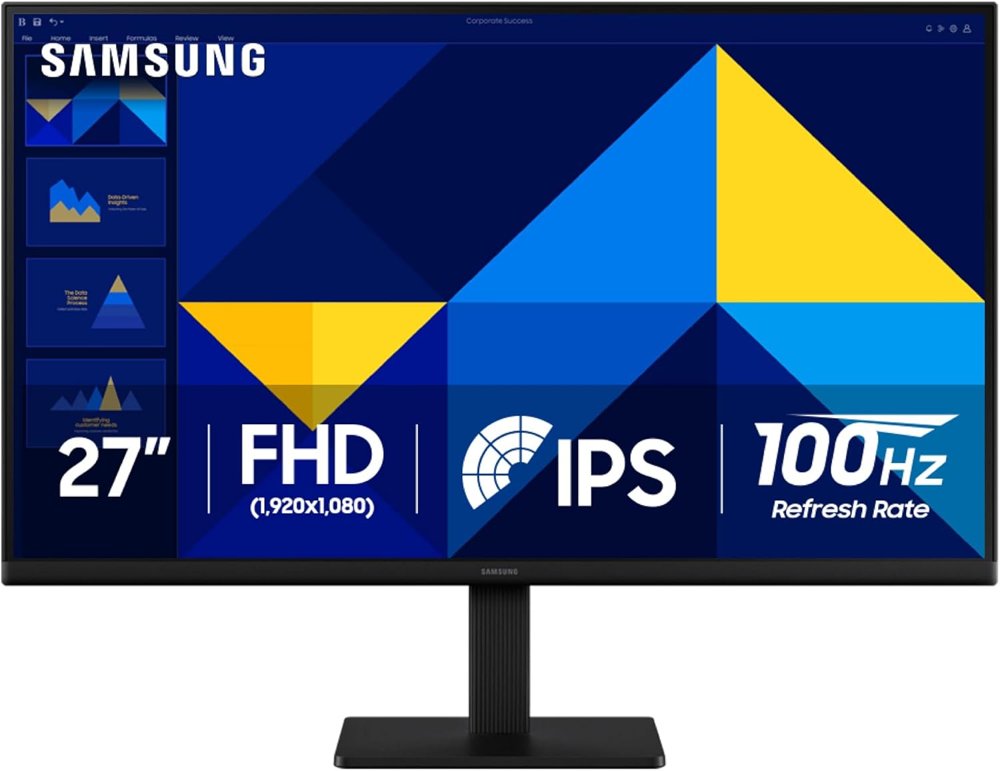
The Samsung 27-inch S30GD is a 27-inch IPS monitor at 100Hz, per the listing, with game settings for color and contrast and an eye-saver mode with reduced blue light.
Pros
- 27-inch IPS panel
- 100Hz refresh, per the listing
- Eye-saver mode
Cons
- 1080p on 27 inches is less sharp
- No speakers listed
Best for: Budget buyers who want a bigger IPS screen.
Check price on AmazonHow to choose
- Resolution and size
- 1080p looks fine on a 24-inch screen like the Dell SE2426H or Philips. On 27 inches, QHD (the Dell S2725DSM) or 4K (the Dell S2725QS) is sharper than the 1080p Samsung.
- Refresh rate
- Refresh rates here run from 100Hz (Philips, Samsung) to 144Hz (Dell SE2426H and Dell S2725DSM), and the 4K Dell lists up to 120Hz. A higher number looks smoother when you move the cursor or play games.
- Panel type
- The Dell and Samsung models are IPS. The Philips is VA, which the listing pairs with strong contrast, but our notes say VA panels can smear in fast motion.
- Eye comfort
- Dell lists TÜV eye comfort ratings and low blue light on its monitors, the Philips lists flicker-free backlighting, and the Samsung has an eye-saver mode.
Shortlist
Most people should get the Dell SE2426H. For sharp text, get the Dell S2725QS. For more room without paying for 4K, get the Dell S2725DSM. The Top 10 for monitors has more options, including curved and gaming screens.
How these picks were chosen
Every pick comes from the TechWorth monitors Top 10, and each claim above comes from the listing. TechWorth earns a commission on qualifying Amazon purchases, and prices change often, so check the price on Amazon before you buy.
Frequently asked questions
Do any of these have built-in speakers?
The Dell S2725QS and the Dell S2725DSM do. The Samsung S30GD lists none in our notes.
Can I wall or arm mount them?
The Philips 241V8LB lists VESA mounting. Check the listing of any other model before buying a mount.
Is 4K worth it?
It gives the sharpest text here, but our notes say it needs a capable computer. QHD on the Dell S2725DSM is the middle step.